Quick and Easy Setup
Built for supported Edgenuity, EdgeX, Edmentum, and Subject experiences. Compatibility can vary. Follow the steps below to install.
Choose your device
Choose your installation method
Install the RevoltX Extension
RevoltX — Chrome Extension
One extension for every supported platform. Install it from the Chrome Web Store — no Tampermonkey and no Developer Mode needed.
Installation Steps
- 1Click Add to Chrome above to open the Chrome Web Store
- 2Click Add to Chrome on the store page and confirm the installation
- 3The RevoltX icon will appear in your browser toolbar — pin it for easy access
- 4Open Edgenuity, EdgeX, Edmentum, or Subject and RevoltX will activate automatically
The Chrome Web Store extension also works on Brave, Edge, and other Chromium-based browsers. Just install it from the same link.
Using Edgenuity on Firefox, or another browser that can't install Chrome extensions?
Start Using Revolt
You're All Set!
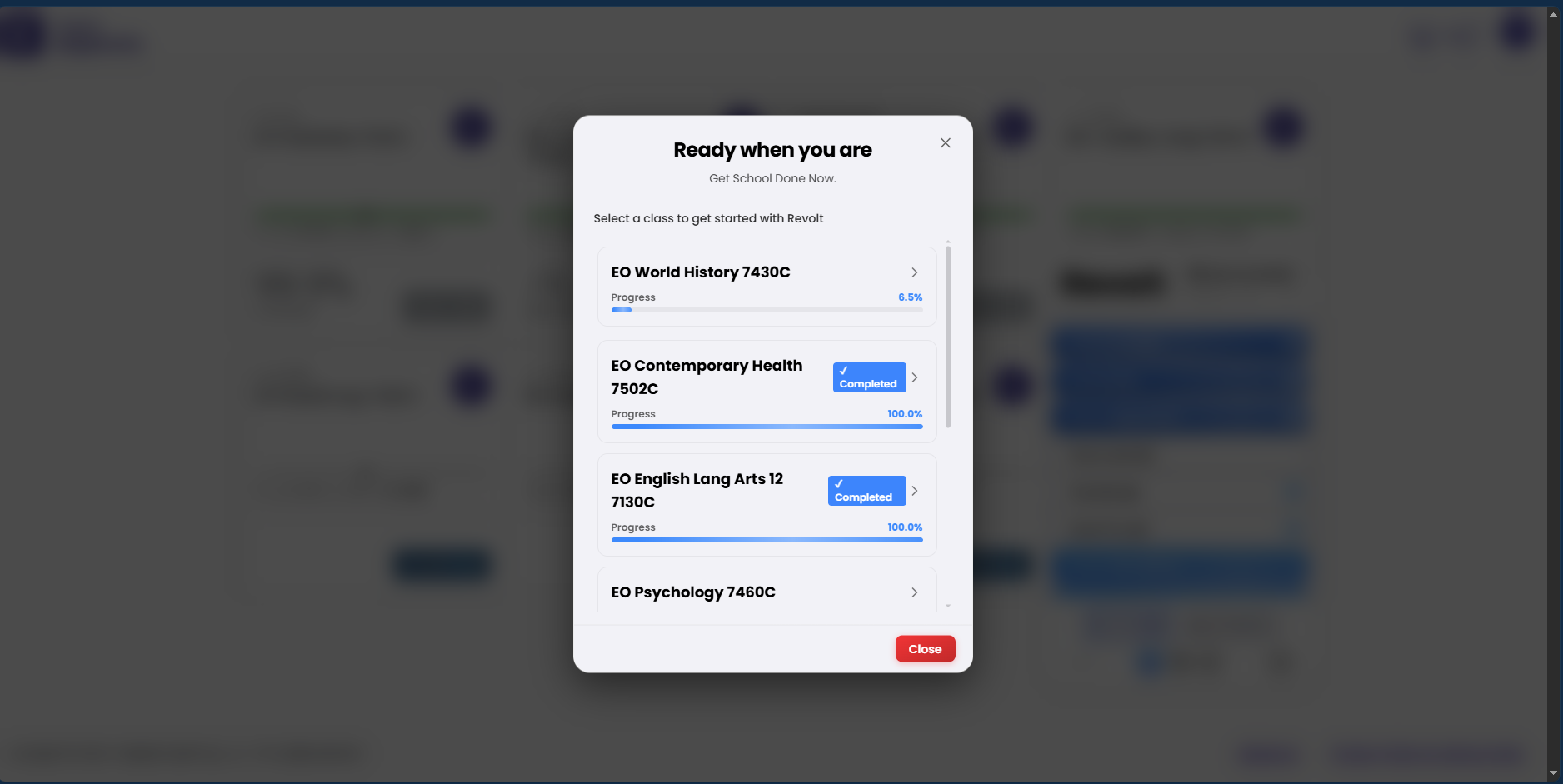
Open Edgenuity, EdgeX, Edmentum, or Subject and log into your account. RevoltX will automatically activate and you’ll see the Revolt panel appear on the page.
- Auto-advance through activities
- Auto-answer quizzes and assignments
- Skip intros and instructions
- And much more...
- Chrome, Edge, Brave, or another Chromium-based browser
- The RevoltX extension from the Chrome Web Store
- An active Revolt license key or subscription
Ready to get started?
Works across supported browsers and platforms. Compatibility can vary. Get your license and start automating today.
1 / 2
Install Extension